KeriBlog

Cars, Security & a Peek into my Life

  • Keri on Twitter
  • Keri on Instagram
  • Keri on Facebook
  • Keri on LinkedIn
  • Keri on YouTube
  • Keri on Google Plus
  • Home
  • Home
  • Cars
  • Security
  • a Peek into my Life
  • ‘Keri on Driving’ Index Page

New Destination Reached Hi from WV

Apr 7 2012

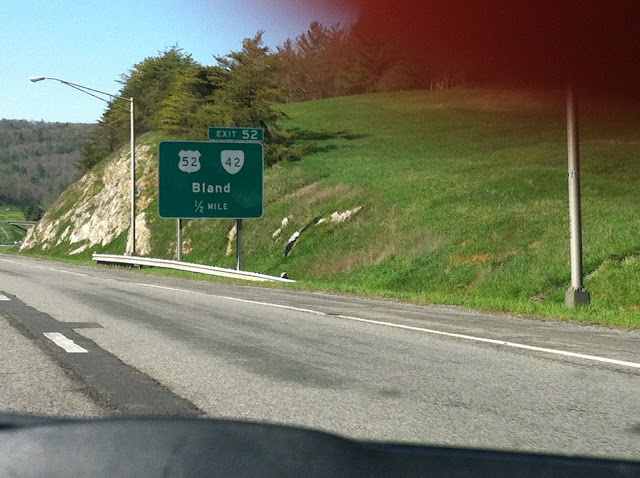
Drove and drove and 500 miles 9 hours and dull.

So many easy jokes about this town’s name.
Unpacked and plugged back in.

Always use a surge-protected power bar.

Don’t plug $000s into the wall without protection.

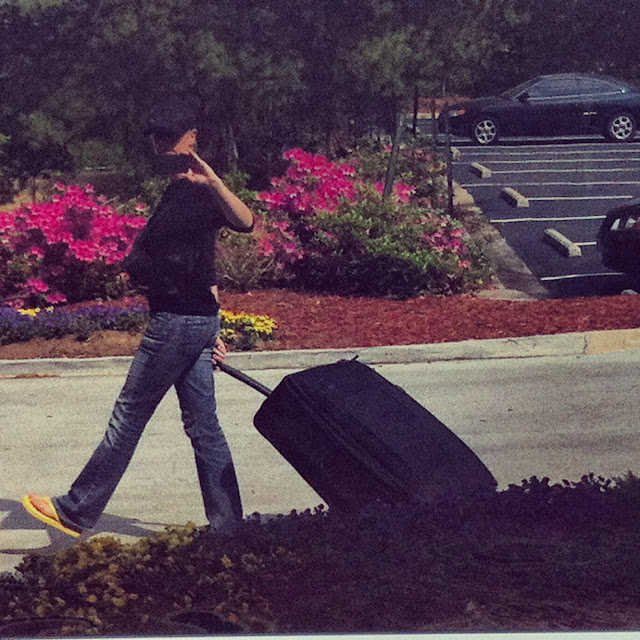
Then I cleaned out my fannypack. Even lint rollered the inside.

I’ll let you peek inside.

I have internet again oh thank you oh man the last two weeks were tough.

Have much to catch you up on, my security show is slowly kicking off – Smarten Up, Internet, my food blog will launch later this week, and how did Easter arrive so fast this year??

TTYT


Thanks for sharing:

  • Facebook
  • Twitter
  • Pinterest
  • LinkedIn

Filed Under: Car Talk, Security, Smarten Up Internet, Travelling the USA Tagged With: backpack, Charleston, tumi, wv

The Flashback Trojan is Turning Macs into Zombies

Apr 5 2012

It’s here – the largest EVER Mac trojan has arrived. It’s called Flashback, it’s huge, and if you are running Mac OS X 10.6 you may be affected.

600,000 Macs around the world have been compromised. Statistically, that is a giant botnet.

A botnet: think of it like your computer has been turned into a zombie, and is under someone else’s control. Gather together enough zombies, now you have a botnet army. Most scary of all: you likely wouldn’t even realize you’ve been affected.

What you need to do:

FIRST – check to see if you are vulnerable. If you are running Mac OS X 10.6 you might be. If you are running Mac OS X 10.7 you are likely okay.

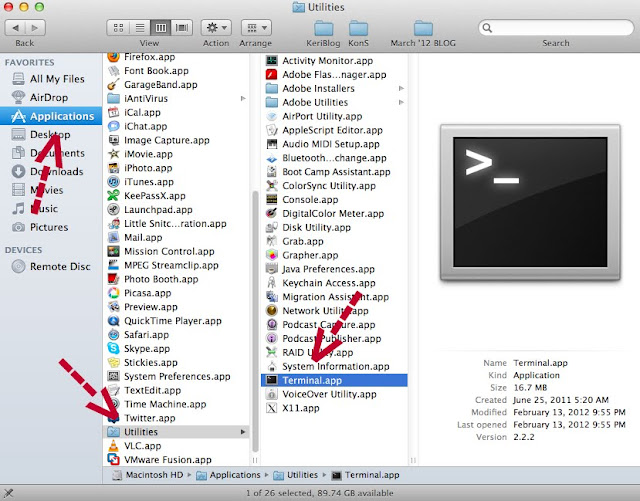
SECOND – Let’s check to see if your machine is infected. We’re going to use Terminal to do that, your Mac’s command-line interface.

Open ‘Terminal’.

Don’t be scared if you’ve never used Terminal. You’re going to feel a bit like a hacker, fun!

But – don’t screw around in here, stay focused; a couple wrong keystrokes and you’ll change and alter things you do not want to.

Now you’re looking at a window like this:

Copy and paste this line into Terminal, then hit ‘enter’:

defaults read /Applications/Safari.app/Contents/Info LSEnvironment


NOT AFFECTED: if it returns this line:

The domain/default pair of (/Applications/Safari.app/Contents/Info, LSEnvironment) does not exist

That’s what you want, “does not exist”

AFFECTED: if it returns anything but. If infected, click here for the remedy. F-Secure is an antivirus and computer security company in Finland. You’re going to download a Java update from Apple here.

Remember the golden rule to avoid problems:

The Golden Rule: If you installed it, update it.


We Mac users have enjoyed relatively virus and malware-free living, till now. I blogged about it last year over on KeriBlog, click here for why it’s no longer the case.

Further Reading:

– Gizmodo

– The Register

– The Internet Storm Center


UPDATE – April 13 2012

Yesterday, Apple released a fix for the Flashback trojan.

To install it: go up to the apple top left corner, choose “Software Update”, and say yes to installing the Java update that looks like this:

Apple’s official release page is here. I’ve copied some of the text below and bolded the important parts.

This Java security update removes the most common variants of the Flashback malware.

This update also configures the Java web plug-in to disable the automatic execution of Java applets. Users may re-enable automatic execution of Java applets using the Java Preferences application. If the Java web plug-in detects that no applets have been run for an extended period of time it will again disable Java applets.

I suggested the other day it was good security practice to ensure your computer is NOT set up to “automatically open downloaded files”. Good idea to do that now. Snow Leopard users might have to do this manually.

Remember, nothing is ever 100% with this stuff. Always err on the side of caution.


Thanks for sharing:

  • Facebook
  • Twitter
  • Pinterest
  • LinkedIn

Filed Under: Security Tagged With: 600 000, apple, botnet, exploit, f-secure, flashback, incident response, java, mac, OS 10.6, terminal, trojan, virus, Viruses and Trojans, zombie

Laundry Takes You Places

Apr 2 2012

Spent the morning at the laundromat. Living on the road, you end up in places you’d otherwise not.

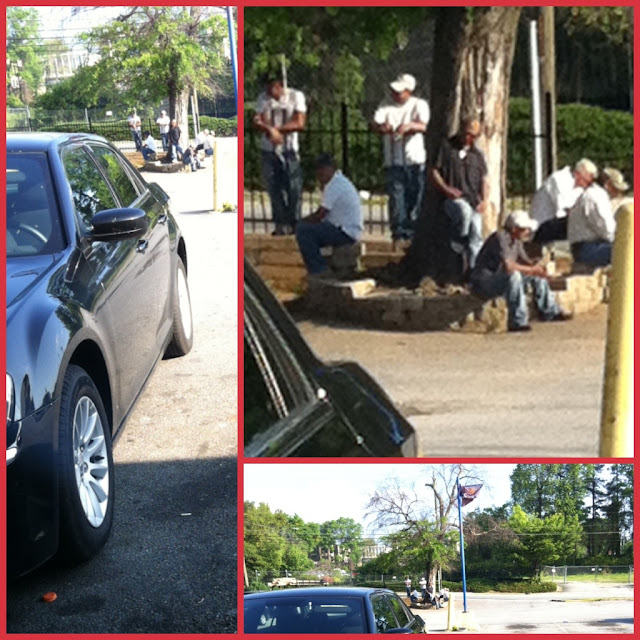
When I pulled in, see those guys standing there?

They all waved and yelled at me, real motivated. I smiled back. Always smile, even if you are unsure what’s happening. Keep your face pleasant. That’s your security tip of today.

I put my clothes in, then went back outside to watch. Ahhhhh got it, they’re day labourers.

Basically I could drive up, say “Get in let’s go!” and in they get. Now I have a car full of willing workers.

I should return tomorrow, “hey, any of you know how to video edit? Final Cut?”

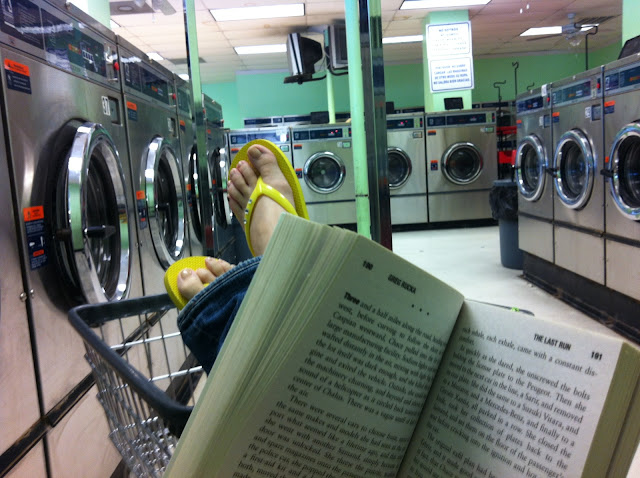
Settled in with my book.

It’s the last in Queen & Country series, ‘The Last Run‘ by my top 3 favourite authors right now, Greg Rucka, and starring spy Tara Chace.

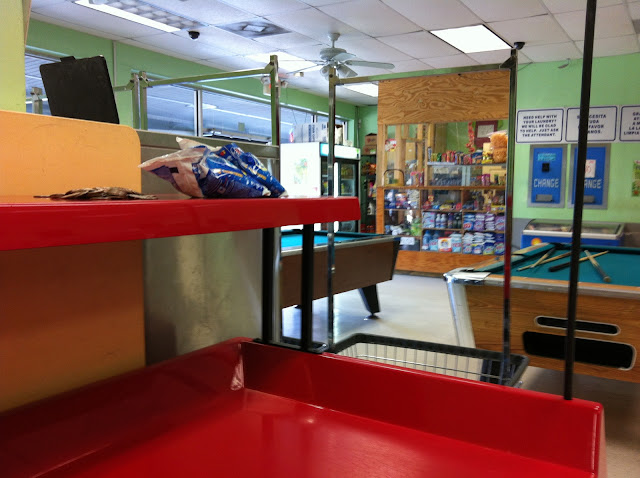
Debated playing pool, because by now the guys outside have moved inside to the tables. I’m watching with my peripheral… there’s a good chance I’ll win, but then I’d have to talk… nah.

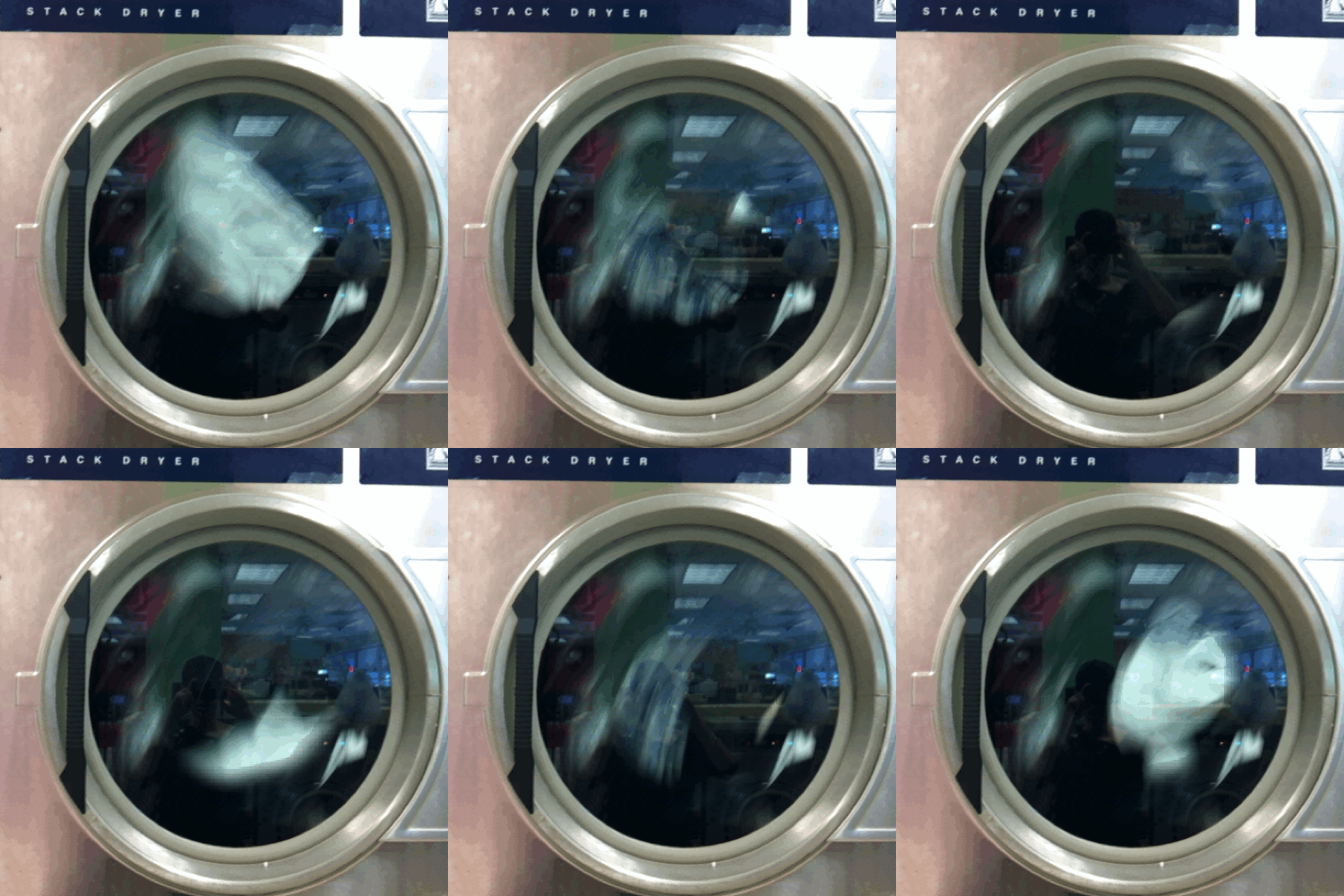
Then I made this animated gif, it’s a Flixel.

So cool, eh?! Even cooler – it was made in Toronto, and it’s really taking off. Get it here.

And now I’m home, well, my home for one week.

Gotta run! I have email to catch up on and a city to drive around.


Thanks for sharing:

  • Facebook
  • Twitter
  • Pinterest
  • LinkedIn

Filed Under: Animated Gifs, Books, Playing Pool, Security, Travelling the USA Tagged With: animated gif, greg rucka, laundry, queen & country, tara chace, the last run

March 31 is World Backup Day

Mar 31 2012

When was the last time you backed-up?

Exactly.


Thanks for sharing:

  • Facebook
  • Twitter
  • Pinterest
  • LinkedIn

Filed Under: Security Tagged With: backup

I’m Part of the 0.0002%

Feb 29 2012

I kept my last name off the internet for 5 years.

This is my Google+ account – KeriBlog.

It’s been suspended since I got it;
they don’t like my last name, “Blog”.

So I wrote to them saying noooo.

Hours later Google replied I was right.

Now here’s the interesting part.

There is very little information online to guide you, because this issue is so rare.

This article from TechCrunch sums it up:

0.1% of 50 million users submit name appeals,

20% of that is like me.

Let’s do the math on that…

Conclusion:

I’m part of the 0.0002% or 1 / 10,000

It’s not without issue though… because of this rarity, I end up with problems that are not documented and likely few have.

For example: my Picasa photo uploader stopped working for no reason two weeks ago. Which I almost had a meltdown over; that’s like a carpenter’s hammer vanishing. The worst part is there’s nothing I can do about it.

Being a spy is a lot of extra ugh.

Regardless of everything though, ha!

Because if Google says it’s true,
it’s true, right?


Thanks for sharing:

  • Facebook
  • Twitter
  • Pinterest
  • LinkedIn

Filed Under: Amazing, Blogging, Documenting, Nerd Talk, Security, Social Media Tagged With: google+, google+ name appeal, pseudonym

  • « Previous Page
  • 1
  • …
  • 43
  • 44
  • 45
  • 46
  • 47
  • …
  • 51
  • Next Page »

[footer_backtotop]

Copyright © 2007-2015 KeriBlog.com All rights reserved. Advertising / Privacy Policy / Contact