


URLs shorteners are used to simplify a complicated URL, for the purpose of sharing.
Shrink it to better fit into Tweets, Instagrams, make it more manageable. For example:
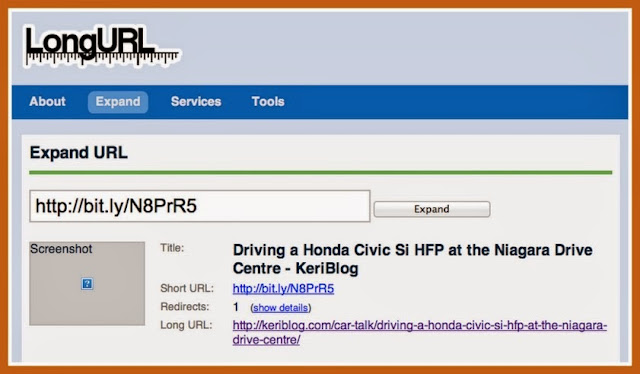
http://keriblog.com/car-talk/driving-a-honda-civic-si-hfp-at-the-niagara-drive-centre/
becomes
http://bit.ly/N8PrR5
Bit.ly, or Google’s goo.gl shortners are popular, good ‘ole TinyURL.
However!
It’s a blind click, just trusting that the URL
goes to where you’re expecting it to
The attack:
Phishing and social media scams use shortened URLs… example: a private message is sent, “Click here to see the photo I posted of you on Facebook!”.
Click the shortened link > hey this isn’t Facebook > it’s a website that just gifted you a virus, or malware.
The defence:
Expand the URL, “unmask it”. Then, decide if you want to click it.
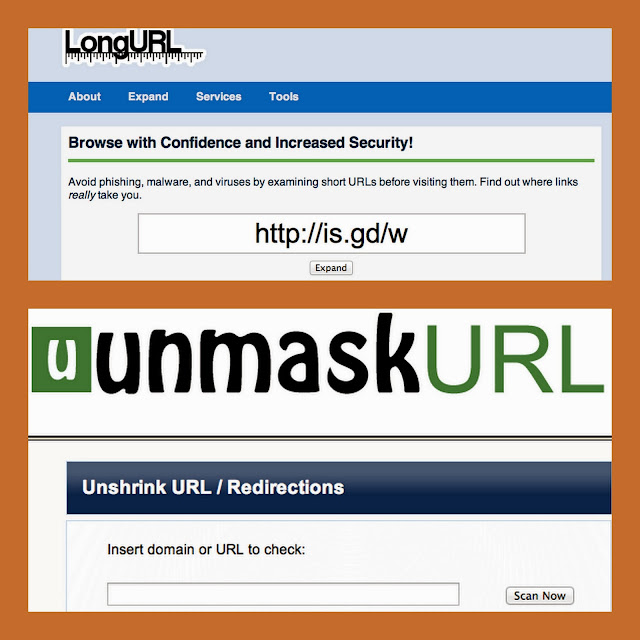
Try LongURL.org or UnmaskURL.com
If your gut makes you pause, listen. Don’t click it.
Infecting your entire system irreparably, can happen with one bad click.