
Because if all backups are stored in one location that lights on fire, well.
Tips on how to back up here.


Because if all backups are stored in one location that lights on fire, well.
Tips on how to back up here.
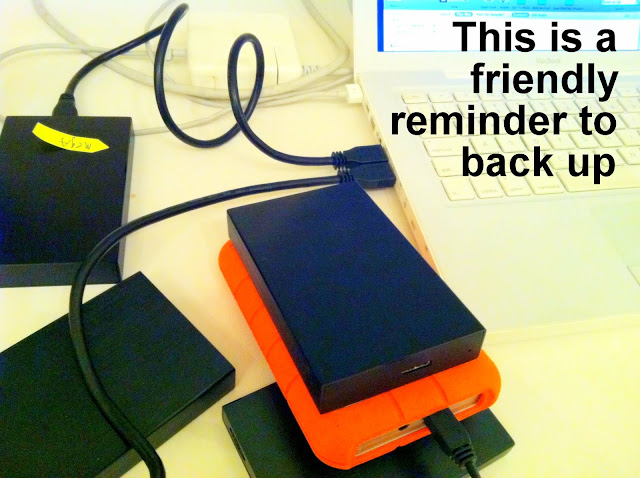
Although really, everyday should be backup day. Here, I made a list:
– password manager file (you have one right)
– contacts
– calendar
– bookmarks

– always backup twice – here
– do big backups in chunks – here
– if you’re using the cloud, here’s what your data looks like this
– and if everything goes west, data can still be recovered from this
This is a data centre.

1 – housed in a well-ventilated building
2 – a backup power supply, to ensure continuity
3 – through the doors is your stuff

This would be considered a small-ish data centre.
A big one, probably like Facebook’s, would use the same amount of electricity as a small town.
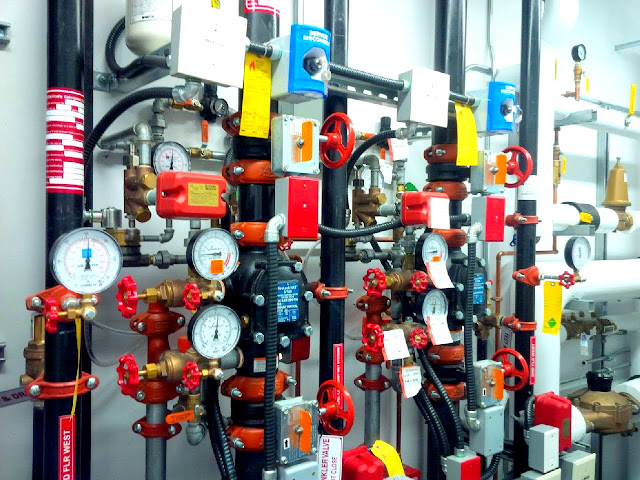
There’s environmental controls like air conditioning (these places get very hot), and fire suppression systems.
Even if you use the cloud to back up your stuff, it’s a good idea to make your own physical back up, and to make two.
A screenshot of making a new hard drive of all my files, since 2007.
What happens when you drag-and-drop the entire contents, from one drive to another.

730 GBs and 4 days?! My laptop audibly kicked up a fuss.
It probably could do it, but in the same way, it’s like before you start running, you take a big punch to the stomach. You could, but not optimally.
Here’s how to properly back up your files.

1 copy stays with you, and 1 copy is stored offsite
Subscribe to an online backup service.
It automatically searches your computer for new files, then remotely saves and stores them for you.
(I use the main method, I haven’t decided yet if I trust the cloud)